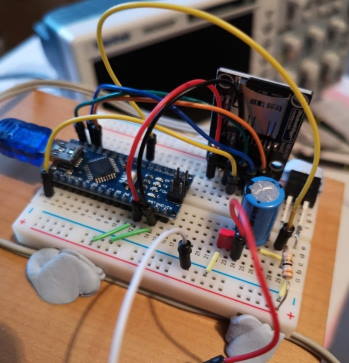
Home Assistant UPS Mk II

I decided to have an uninterruptible power supply (UPS) for my Home Assistant (running on a Raspberry Pi). The design I came up with is shown below:
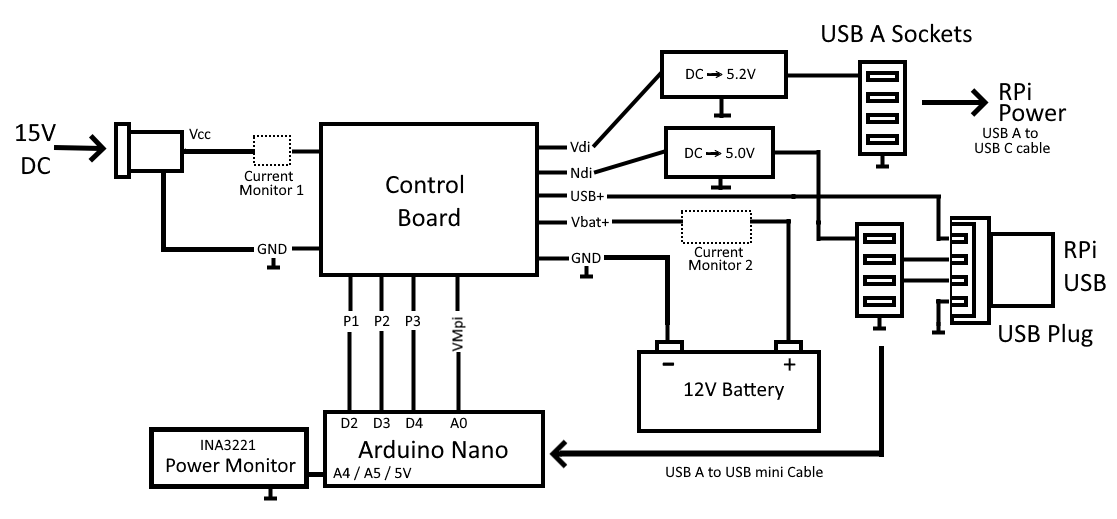
HA UPS Mk2 Block Diagram

The input from the mains is supplied by a 15V AC to DC adapter (wall wart). This is shown as Vcc/Vss on the diagram above. There are two DC to DC converters, one that powers the Raspberry Pi and one that powers an Arduino Nano. The rPi converter is a LM2596 and the Nano converter is a smaller device (which says it can deliver 3A but it only needs to deliver about 20mA).
Home Assistant Serial Link to an Arduino

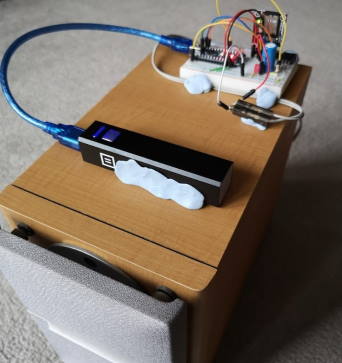
The purpose of this project was to connect an Arduino Nano to the USB port that Home Assistant was running on. For me that is a Raspberry Pi 4 but this solution should work with any Home Assistant hardware. And the reason for using a serial connection over USB (rather than wirelessly with WiFi or similar) could be for many reasons:

  • Wifi may not be available (e.g. if the network is down)
  • It is more secure
  • It is un-jammable

The ultimate plan for me was to create an uninterruptable power supply for Home Assistant from bits that I had:

Arduino Low Power Encryption

LowPowerEncryptionBoard

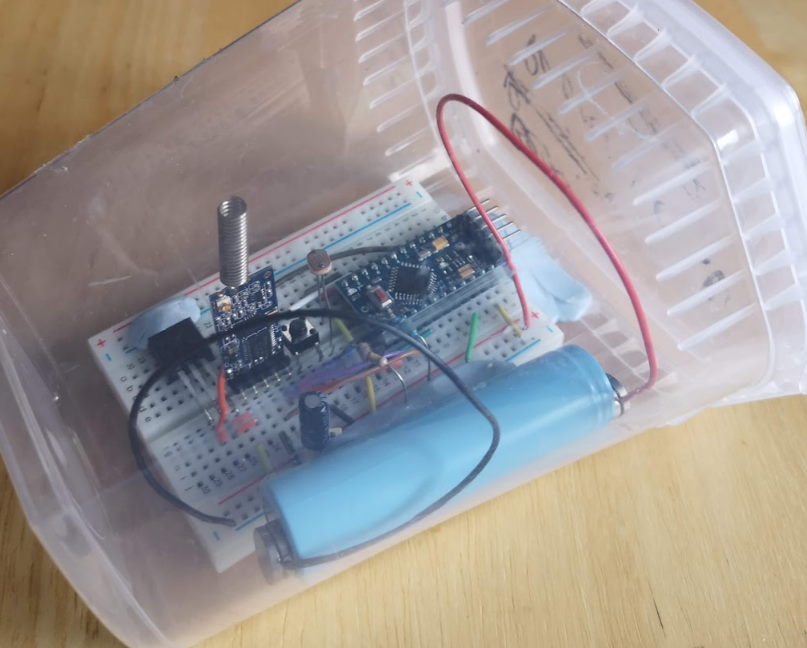
This was my experiment in creating a low power Arduino that can communicate wirelessly to a Raspberry Pi using an HC-12. By low power I mean run for a couple of years on a 18650 battery. Encryption should be unhackable by today’s standards.

I did a presentation for the Raspberry Pint group, the video is here.

The code is on my Github repo. I had to do some mods to the Arduino board to make it low power (removing the regulator and power LED resistor):

Arduino Default Libraries

I used to think that the default libraries in the Arduino IDE would be the best available but having come across a couple of cases where this isn’t true I would definitely search for better lib libraries now…

What libraries?#

What am I talking about? Well the two that have better alternatives are:

Keyboard#

The reason why this didn’t work for me was because the BIOS on my desktop PC didn’t recognize the Arduino Leonardo as a keyboard. So I tried [the HID project][HID-Project] - which works flawlessly.

Generating sounds on the Arduino

Arduino WAV Player 1 Arduino WAV Player 2

This is a small project to read wav files from a micro SD card via an Arduino Nano and then play them directly to a loudspeaker. I’ll state upfront that this isn’t the easiest way to do this (there are MP3 modules and libraries), but I wanted to:

  1. Understand sound generation using a microcontroller from first principles
  2. Have some tools / ideas about how to generate sounds for any future projects

As an idea of the sort of thing I was thinking of - I’ve been thinking of a DIY “ring” doorbell. I already have a camera that can see anyone approaching the front door. A 433.92MHz receiver could detect when the doorbell is pressed (so no new doorbell required). A Raspberry Pi (i.e. the one with the camera) controlling it all and sending and receiving to my mobile phone. A lot more work than just buying a Ring doorbell - but a lot more satisfying!